

Pictures database
The Pictures database provides a curated set of images that can be used to test and benchmark optical systems within OghmaNano. These pictures act as inputs to ray-tracing or imaging simulations: they are projected through lenses, apertures and other components, and the resulting image quality is analysed at the detector. The same image-generation widget is used here as in the Shape database, but in this case the focus is on storing and managing 2D pictures rather than 3D meshes.
Accessing the Pictures database
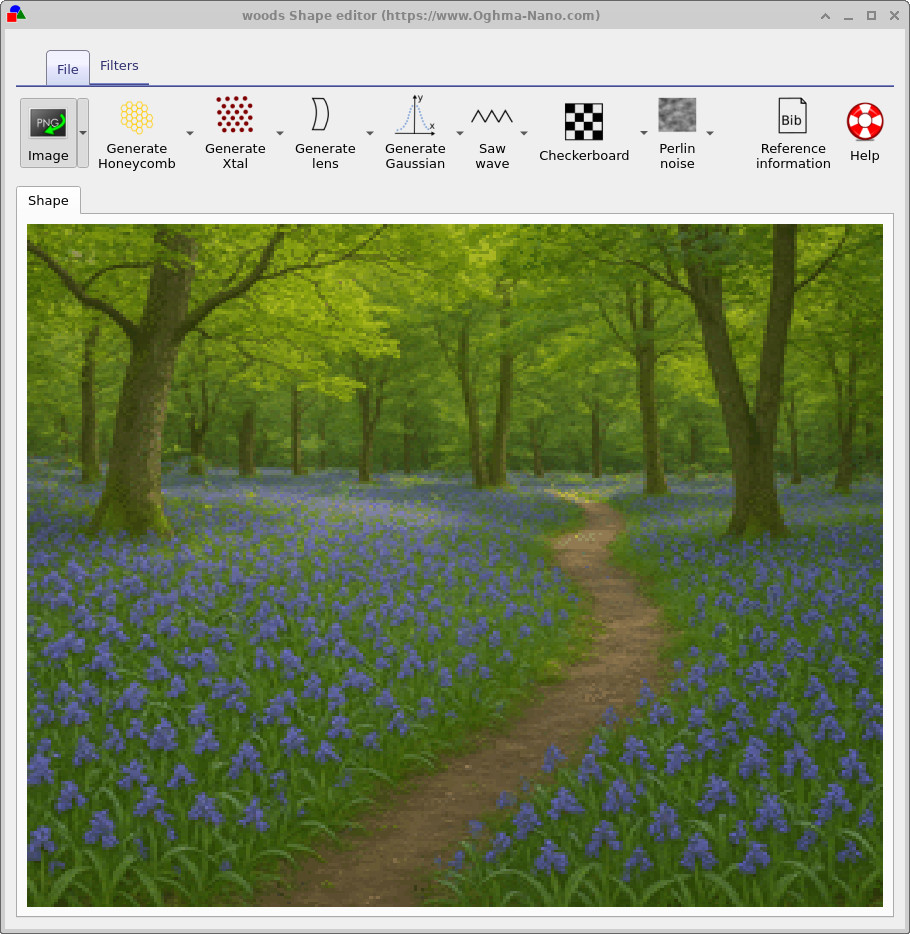
The Pictures database can be accessed from the main window via the Databases ribbon by clicking on the Pictures database icon, as shown in ??. This opens the Picture Editor window (??), where you can browse existing entries, load new images and apply filters.
Using the Picture Editor
The Picture Editor shares the same toolbar layout as the Shape Editor used for the Shape database. The Image button allows you to load new PNG or JPEG files into the database entry, while the Filters ribbon provides post-processing tools such as blur, normalisation, thresholding, rotation and boundary detection. These operations are identical to those described on the Shape database page and can be used to prepare images before they are used in an optical simulation.
Unlike in the Shape database, pictures in the Pictures database are not converted into 3D meshes. Instead they are treated as intensity or colour maps that are projected through the optical system. This makes it easy to compare the performance of different lens designs or optical configurations using a consistent, reusable set of test images.
Standard test images
OghmaNano ships with a small library of classic test images stored in the Pictures database. These are commonly
used in imaging and computer vision to probe different aspects of image quality, such as resolution, distortion,
dynamic range and colour reproduction. The files are stored in
images/database-pictures/ and can be used directly or duplicated and modified for custom tests.

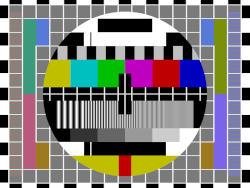


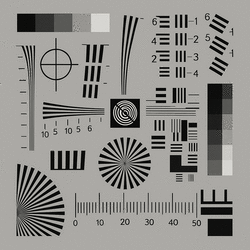


By running the same simulation with different test images, you can quickly build an intuition for how a given optical system handles contrast, colour, distortion and small-scale structure. The Pictures database provides a convenient place to keep these images together so that your test cases remain consistent between projects.